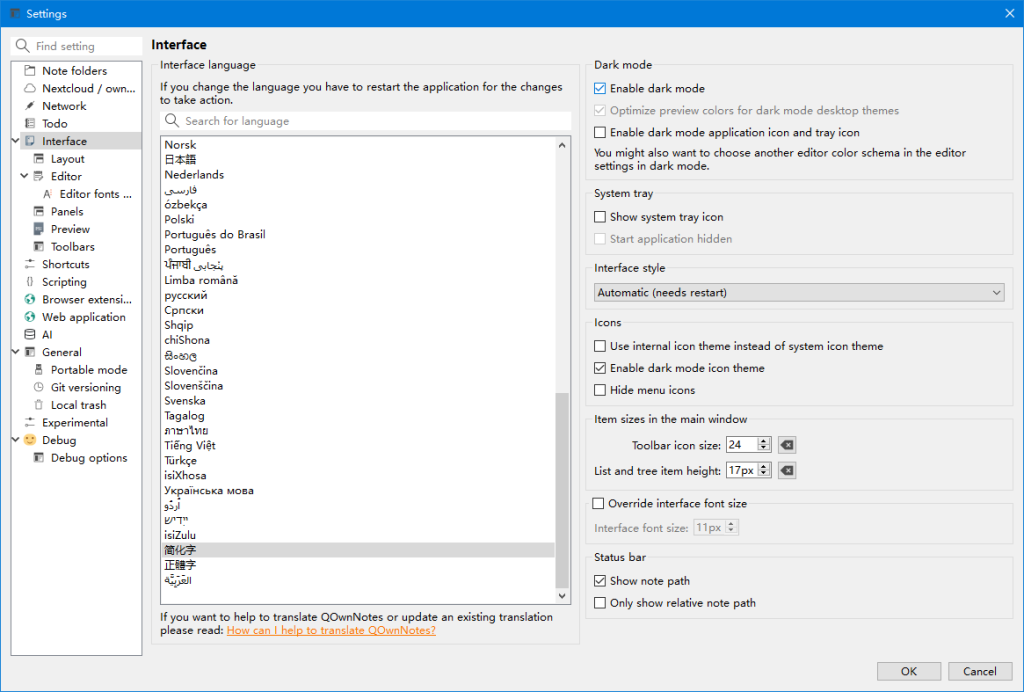

QOwnNotes是一款功能强大的跨平台笔记应用程序,可以帮助用户轻松管理笔记、任务和清单。
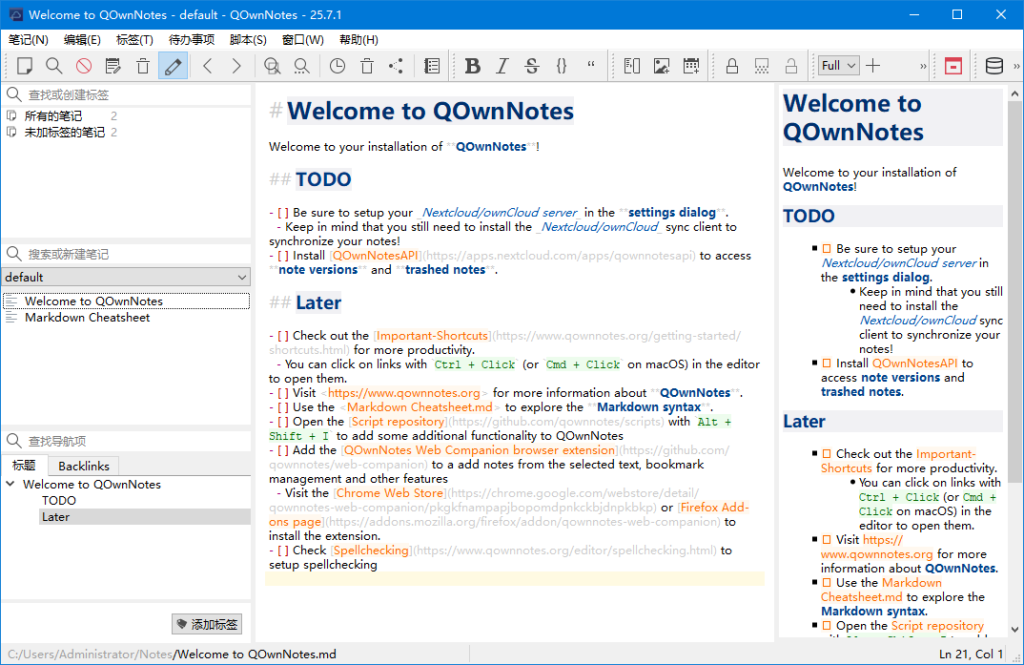

软件特点
1.支持多种编辑器:支持Markdown、Html、和其它多种文本编辑器;
2.易于搜索:可设置快捷键进行搜索,支持正则表达式搜索;
3.多个账户:可以管理多个账户,并可以自定义设置;
4.可定义笔记标签:可以使用标签来组织笔记,方便查找;
5.全文搜索:支持全文搜索,可以在整个笔记库中搜索文本;
6.数据同步:可以通过多种方式进行数据同步,包括Dropbox、Nextcloud等;
7.导出功能:可以通过PDF、HTML等格式导出笔记。
更新日志
26.3.13
Added Markdown heading folding in the note editor with clickable gutter
toggles, fold/unfold-all actions, and a new Editor setting to enable or
disable the feature (for #2126)
Added a new “Files” tab to the Navigation panel that lists linked media files
and attachments under separate root items, jumps to the selected link in the
current note, and offers a context menu action to open the file externally
(for #3499)
Added inline renaming for linked media files and attachments in the Navigation
panel’s “Files” tab via F2, with a follow-up refactoring prompt that tells
you how many note files will be updated before renaming linked filenames
everywhere (for #3499)
Added deleting linked media files and attachments from the Navigation panel’s
“Files” tab via Del and a context menu action, with confirmations that show
how many note files can be updated and an optional follow-up dialog to remove
those file links everywhere (for #3499)
Changed the Navigation panel to only show the optional “Files” and
“Backlinks” tabs when the current note actually has file links or backlinks
to display (for #3499)
Changed Navigation panel tab visibility checks for the optional “Files” and
“Backlinks” tabs to run in the background so the UI stays responsive
(for #3499)
下载地址
夸克网盘:https://pan.quark.cn/s/315d9a7cff0d
迅雷云盘:https://pan.xunlei.com/s/VOUDiRDOQYPwnBgH-9hmDjfTA1?pwd=jbqz#
123 云盘:https://www.123912.com/s/Rg5A-1xRj

瑞泽小站


![【不忘初心】Windows10 22H2 (19045.7058) X64 无更新[纯净精简版][2.54G](2026.3.11)-瑞泽小站](https://www.ruize66.com/wp-content/uploads/2025/06/49f30045069963a-220x150.jpg)

![【不忘初心游戏版】[太阳谷] Windows10 22H2(19045.7058) X64 无更新[精简版][2.94G](2026.3.11)-瑞泽小站](https://www.ruize66.com/wp-content/uploads/2025/06/b028f143a08380c-220x150.jpg)